
Google is busy improving data analysis for businesses.
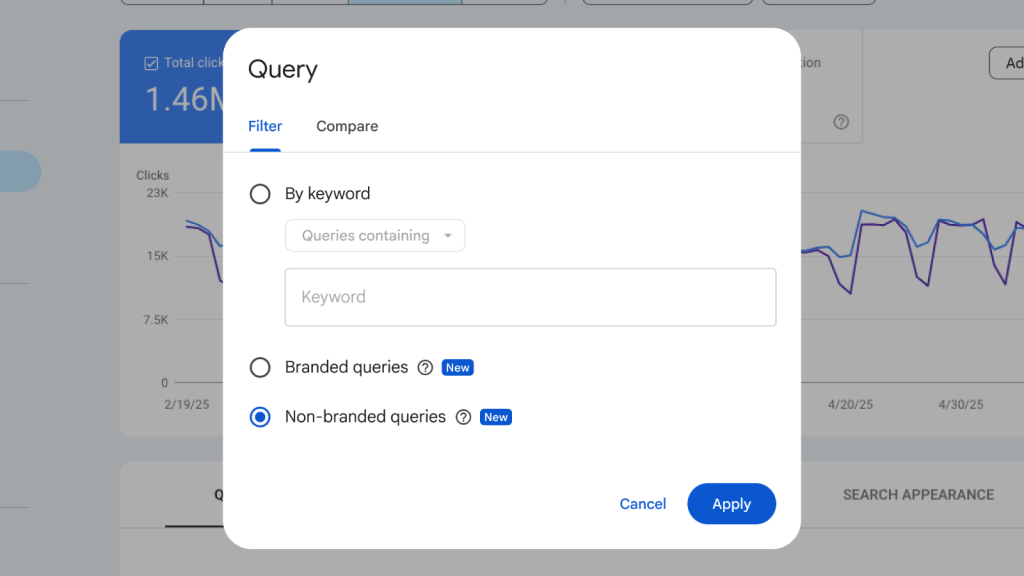
Recently, the company announced it is providing a new tool to analyze the performance of a website by query type in the Search Console Performance Report: the branded queries filter.
This new feature is designed to help analyze the queries driving traffic to a website by automatically differentiating between branded and non-branded queries.
This is a follow-up to the company’s launch of Query groups in October.
“We encourage you to dive into the Performance report, explore this new segmentation, and gain a clearer view on your site’s performance,” Google said.
The branded queries filter, Google said, will roll out gradually over the coming weeks. The company added that if users can’t see this option in the reports, it might be due to one of the following reasons.
- This is only available for top -level properties (and not for URL path properties such as https://example.com/path or subdomain properties such as developers.google.com).
- This is only available for sites with a sufficient volume of queries and impressions.
What is a branded query?
A branded query is a query that includes your brand name (for example, Five Star Complete Asphalt Services), variations or misspellings of the brand name, and brand-related products or services.
Google says differentiating between traffic from people who are already familiar with your brand and people who aren’t is not always straightforward. Focusing on branded queries and non-branded queries separately can help you better understand traffic patterns. Branded queries typically lead to higher-ranking pages from your site and result in higher click-through rates, whereas non-branded queries offer organic growth, as they show how new users find your content without any initial intent to go to your site.
How does the branded queries filter work?
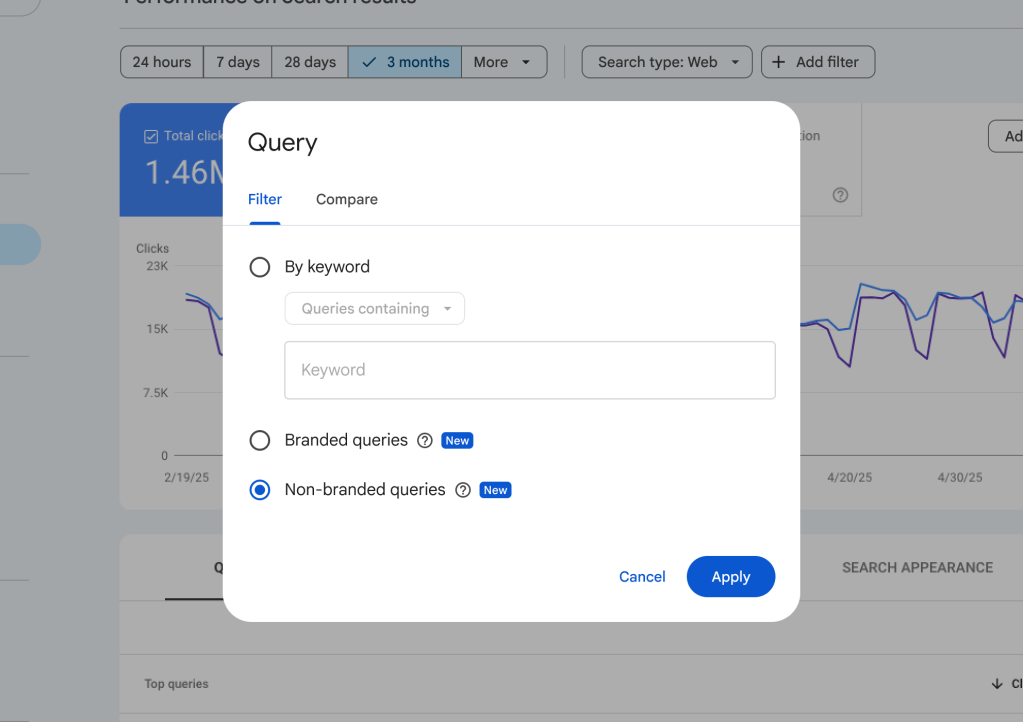
The new filter is accessible within the Search results Performance report and lets you segment your query data into two distinct views:
- Branded: Shows performance data for queries that include your brand name or closely associated products (for example, Gmail for google.com).
- Non-branded: Shows performance data for all other queries.
You can apply this filter across all search types (web, image, video, and news) in the search results performance report. When applied, you will be able to see metrics, such as impressions, clicks, average position, and CTR, limited specifically to the selected group.
“We have added a new card to the Insights report that shows the breakdown of total clicks for branded versus non-branded traffic, helping you measure brand recognition and compare the volume of traffic from people already familiar with your brand to the volume of traffic from those who didn’t explicitly intend to visit your site,” Google said.











Leave a comment